
Figma plugin
About
HueKit is a Figma plugin from Prome Solutions. It is for a designer who would otherwise build the foundations by hand for every new file.
Business need
A new file needs color scales, a check that text can be read, a light mode and a dark mode, type, spacing, and a file a developer can use. Doing that by hand takes the start of the project. Copying hex codes from one file to the next does not keep light and dark in step.
What was delivered
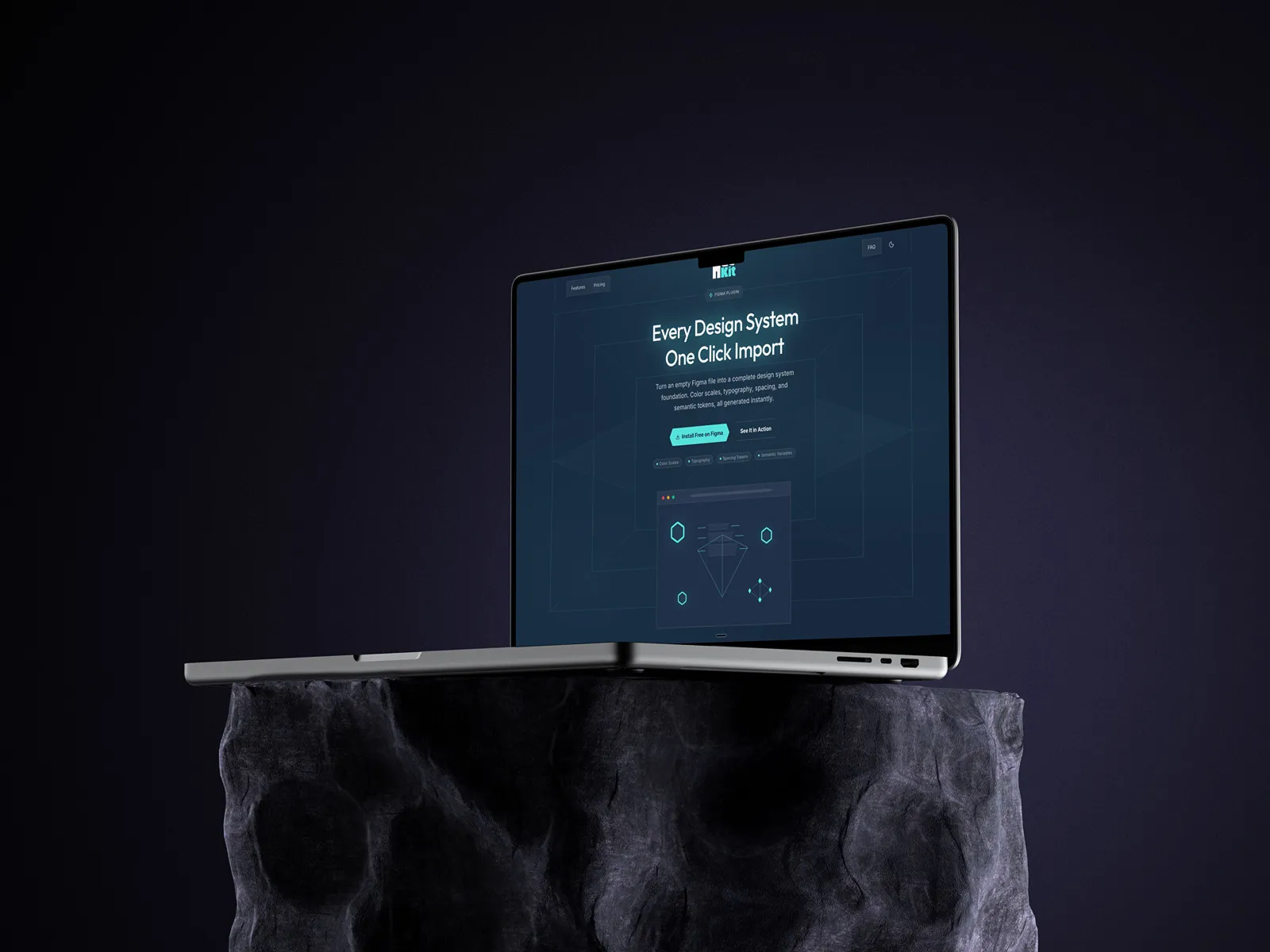
Prome Solutions built the Figma plugin and the site. The site is where a designer installs HueKit and chooses a plan. The plugin is where the design system is made.
In Figma, a designer picks brand colors, or starts from a library such as Tailwind, Radix, Material, Bootstrap, and others. One click builds 11-step color scales, semantic colors for light and dark, type, spacing, radius, and size. The file gets a design-system page and a components page, with buttons, inputs, and cards.
AI-powered color support reads the brand colors, or a screen the designer uploads, and proposes the scales and the light and dark pairings. The designer confirms them before they are written into the file.
The plugin checks contrast. On a paid plan it can shift text and brand colors toward WCAG AA, at 4.5:1. A paid plan also exports the tokens as JSON and as a Tailwind file. The same plugin includes icon libraries and 3D mockups of phones, tablets, and computers, and it can bind colors and type in an existing file to the new tokens.
A free plan builds the core system. A paid plan adds the larger libraries, the export, and the contrast adjustment.
Results
A designer gets the scales, the light and dark colors, and the type in one click, instead of building them by hand. The tokens can leave Figma as JSON or as a Tailwind file.